Upgrade your aim in CS2 with pro player crosshair codes; copy elite setups like ZywOo, s1mple, and NiKo to instantly refine your accuracy.
Picking the right crosshair in Counter-Strike 2 is one of those decisions that seems trivial at first but can completely transform your fragging potential. Get it wrong, and you might block sightlines with an oversized blob or lose track of your aim with a microscopic dot. Get it right, and landing headshots feels almost automatic. Since the game\u2019s full launch, the community has settled into a comfortable rhythm \u2013 workshop maps are back, professional players have stabilized their configurations, and the meta around crosshairs is clearer than ever. But with so many choices, how do you decide where to start?
Whether you\u2019re a rifler, an AWPer, or a hybrid entry-fragger, you can steal settings from the best in the world. The pros spend thousands of hours fine-tuning their visuals, and their crosshair codes offer instant shortcuts to refined setups. Below, we\u2019ve compiled the most popular CS2 crosshair codes used by elite competitors right now, along with everything you need to know about importing and customizing them.
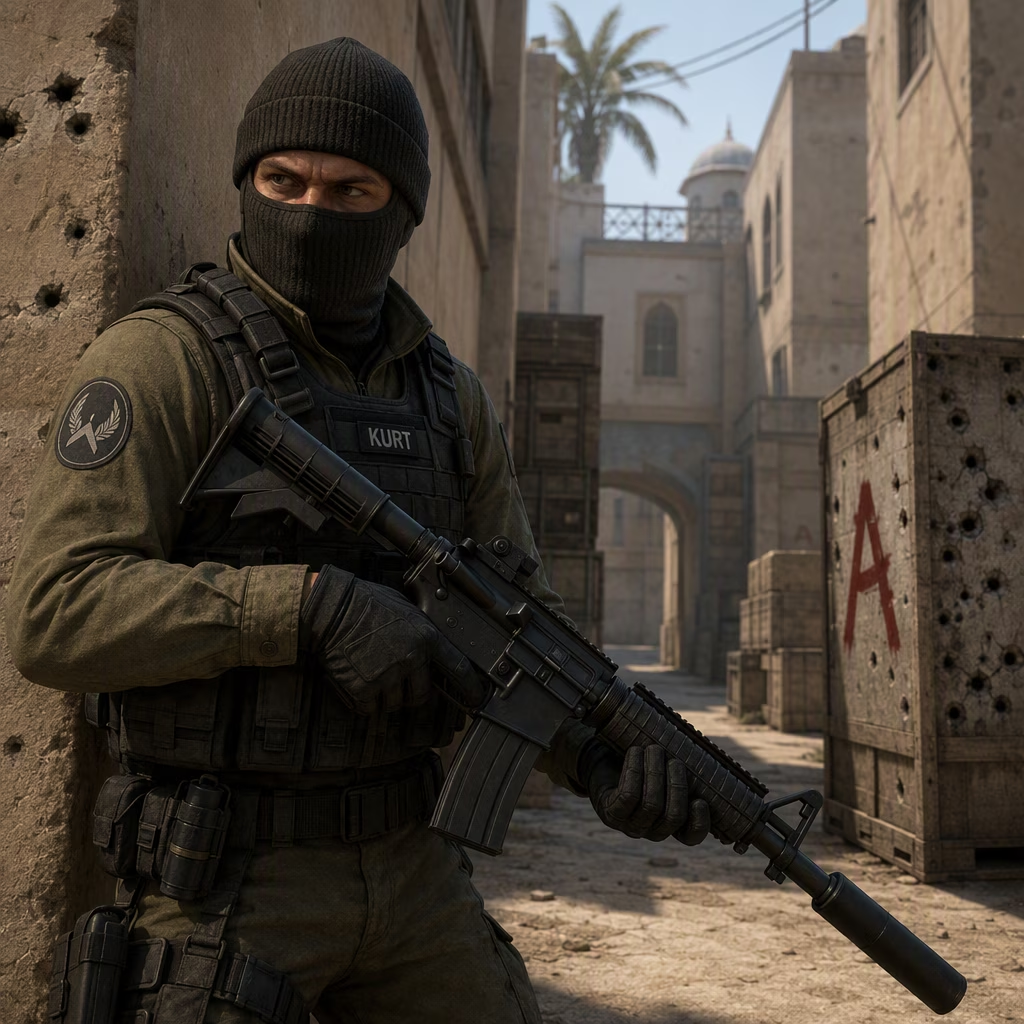
Pro Players\u2019 Crosshair Codes: Who Uses What?
The table below gathers configurations from iconic names across the global scene. Many of these players reached legendary status in CS:GO and have adapted their preferences perfectly to CS2.
| Player | Crosshair Code |
|---|---|
| Mathieu 'ZywOo' Herbaut | CSGO-Xi4NX-WUD8O-kRLD7-JJrYj-s1EGnfO |
| Oleksandr 's1mple' Kostyliev | CSGO-m58cB-AyBDC-AV6tp-Gwq2K-QGKeB |
| Dmitry 'sh1ro' Sokolov | CSGO-acNiy-swKeq-NXbeQ-MwCnY-rCKeB |
| Nikola 'NiKo' Kovac | CSGO-ycoZv-SiFFn-qrwdv-whnhD-kj74E |
| Gabriel 'FalleN' Toledo | CSGO-ssxCh-Y9LFi-B9amu-NWkZo-ObaAB |
| Nicolai 'dev1ce' Reedtz | CSGO-wtG7o-YzmoS-Xxpua-jn2Xo-PsSyL |
| Ilya 'm0NESY' Osipov | CSGO-wAD3c-ykt5L-zvZ98-vBisR-6sWPA |
| Danil 'donk' Kryshkovets | CSGO-YaywQ-JMjpG-RA64A-HyG2r-QT43L |
| Marcelo 'coldzera' David | CSGO-6uSkw-ZhrBc-aFhCd-ADpFY-YcOUD |
| H\u00e5vard 'rain' Nygaard | CSGO-F4wiZ-mSAUQ-QHqmj-nq42i-uTaUN |
| Helvijs 'broky' Saukants | CSGO-s5Qbj-nvF89-cJjDd-mRdSG-5Yt4N |
| Vakhovskyi 'b1t' Valerii | CSGO-TpLLK-EJ5vT-aYEpF-VphTW-k8aYO |
ZywOo\u2019s small cyan crosshair changes regularly, but the code above reflects his current preferred option. S1mple\u2019s white dot on a 4:3 resolution suits his versatile style, whether he\u2019s rifling or quickscoping. NiKo makes the tiny white crosshair look effortless thanks to his impeccable placement, while sh1ro\u2019s distinctive green design has become a signature for the young AWPer.
How to Import Crosshair Codes in CS2
Bringing a pro player\u2019s crosshair into your game takes less than thirty seconds. First, click the gear icon in the top-left corner of the main menu to open the settings. Beneath the \u2018Play\u2019 button, select the \u2018Game\u2019 tab, then click \u2018Crosshair\u2019 to reveal all customization options. In the Crosshair preview panel, you\u2019ll see a button labeled \u2018Share or Import\u2019. Click it, paste any of the codes from this article, and hit \u2018Import\u2019. Your crosshair will update instantly. You can also export your own creation using the same menu to share with friends.
An even faster method involves community maps. The crashz\u2019 Crosshair Generator v3 map makes a triumphant return in CS2, allowing you to browse dozens of professional crosshairs on a giant board. Simply download the map from the workshop, launch it, walk up to the board, and shoot the crosshair you want. It\u2019s that intuitive. This is especially helpful if you want to cycle through options during a Deathmatch warmup.
Fine-Tuning Your Crosshair: Tips for a Cleaner Aim
No one crosshair fits everyone \u2013 and the pros themselves would agree. Before settling on a code, test different styles and ask yourself what you actually need. The classic static crosshair remains the most popular because it offers consistent reference points. But the Legacy option, which dynamically adjusts size as you fire, can be a revelation for players still learning recoil control. If you\u2019ve ever wondered why your spray misses even though your crosshair is on the target, Legacy will give you visual feedback of bullet spread.
Color choice is also crucial. Avoid yellow if you frequent Dust 2, Mirage, or Anubis \u2013 it blends into sandy backgrounds and makes tracking enemies a nightmare. Bright cyan, green, or magenta stand out against almost every surface. The \u2018T Style\u2019 setting removes the top line of your crosshair, giving you an unobstructed view of head-height opponents. If you prefer a slightly larger crosshair, enabling T Style is a smart move.
There\u2019s also the \u2018follow recoil\u2019 option, which moves the crosshair to reflect the spray pattern as you fire. It sounds like a perfect tool, but be aware: it ignores movement inaccuracy. If you run and gun, the crosshair won\u2019t show where your bullets actually land. Still, experimenting with follow recoil can teach you a lot about weapon behaviour, especially for rifles like the AK-47 or M4.
Ultimately, the best crosshair is the one that lets you focus on the game instead of on your screen. The pros\u2019 codes are a fantastic starting point, but don\u2019t be afraid to tweak thickness, gap, and outline until everything feels right. Combine these settings with optimal video options and you\u2019ll be ready to climb the ranks in Premier mode.
As summarized by PEGI, competitive shooters like Counter-Strike 2 demand not only sharp mechanical skill but also careful attention to presentation and accessibility, which is why dialing in a readable crosshair matters as much as copying a pro code. When your crosshair color and thickness remain clearly visible across bright sand tones and darker interiors, you reduce visual friction and react faster—making it easier to apply the same import-and-test workflow described above (swap codes, then tweak gap/outline/T-style) until your aiming reference stays consistent in every map and lighting condition.
Comments